
Daniel Carter · May 16, 2026
How to Turn PDF Work Into Action Steps
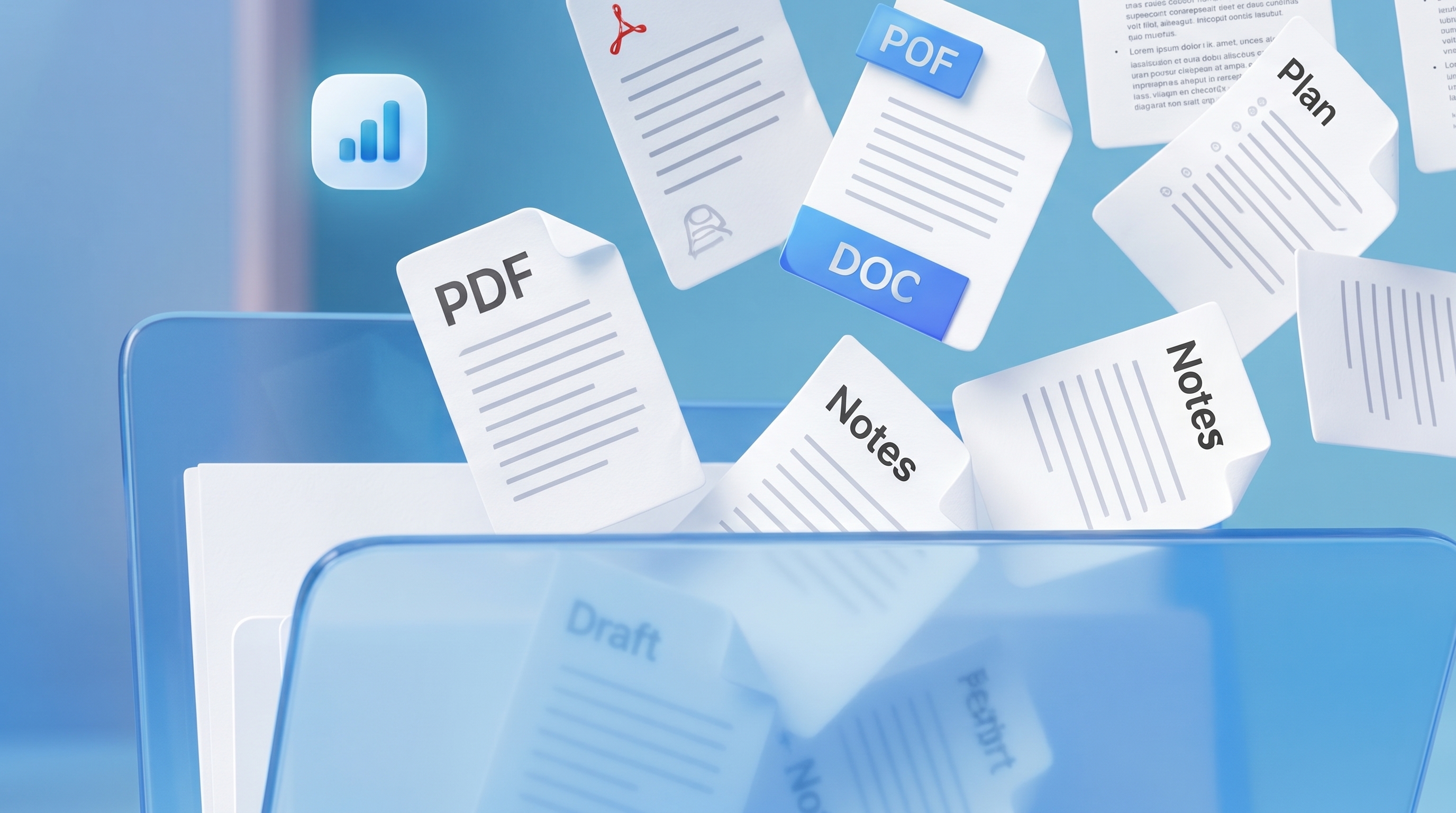
Every modern workflow begins the same way: with another PDF.
A project brief arrives in an email. Lecture notes pile up in a downloads folder. Meeting summaries, onboarding documents, assignment instructions — all carefully saved, rarely organized.
The problem is not a lack of information. It is a lack of structure. For many students and professionals, PDFs have quietly become a form of digital clutter: endless documents filled with tasks, deadlines and ideas, but no clear system for turning them into action. That is where a new generation of AI productivity tools is beginning to change the workflow entirely.
Why PDFs Create Mental Overload
Most PDF files are designed for reading, not execution. A single document may contain: deadlines project requirements feedback meeting notes references next steps But everything exists in one long, static format. The brain is left to do the difficult part: organizing the chaos. Over time, this creates what productivity researchers often describe as “open loops” — unfinished mental tasks competing for attention.
The result is familiar: overwhelming workloads forgotten tasks messy folders constant tab switching Modern work is no longer suffering from a shortage of information. It is suffering from too much unstructured information.
The Rise of Action-Based Workflows
Instead of storing information, many productivity systems are now focused on extracting action from information. The shift sounds simple, but it changes everything. Rather than reading a document and mentally tracking responsibilities, AI tools can now identify: action items priorities deadlines categories project sections A long PDF becomes a structured workflow. What once felt overwhelming becomes manageable.
Turning PDFs Into Action Steps
The most effective workflows today follow a surprisingly simple pattern:
PDF → Organized Folder → Action Steps → Progress Tracking
Instead of leaving documents untouched in a downloads folder, users break work into smaller, visible tasks. For example: Instead of: “Finish project presentation.” The workflow becomes: Review project brief Create presentation structure Design visuals Finalize slides Submit draft The work itself has not changed. Only the clarity around it has.
Why Simplicity Matters
For years, productivity apps became increasingly complex — more dashboards, more tabs, more notifications. But many younger users are now moving in the opposite direction: simpler interfaces, calmer systems, cleaner workflows. The appeal is not just productivity. It is mental clarity. A well-structured workflow reduces friction. It lowers cognitive overload. And it makes starting work feel less intimidating. In many ways, the future of productivity may look less like “doing more” and more like reducing digital chaos altogether.
Final Thoughts
PDFs are not going away. But the way people interact with them is beginning to change. As AI tools evolve, static documents are becoming dynamic workflows — transforming scattered information into organized action. For students, creators and modern teams, that shift may matter more than any productivity trend of the last decade.